High-volume support
Add up to 30 images per lot without slowing down your workflow.

Photo Management
AI-powered bulk upload, smart resizing, background removal, and cloud sync – manage every shot in one seamless experience.
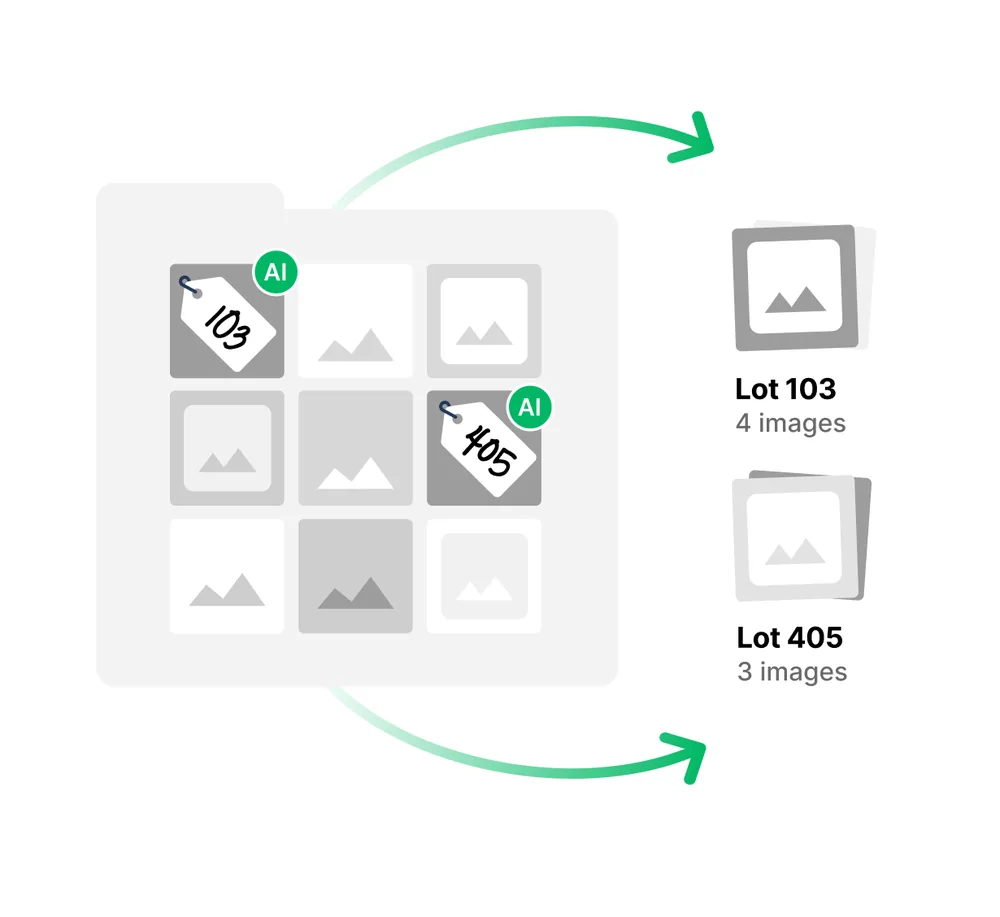
Drop in an entire photo folder and let AI sort shots into the right lots – no more dragging images one by one.
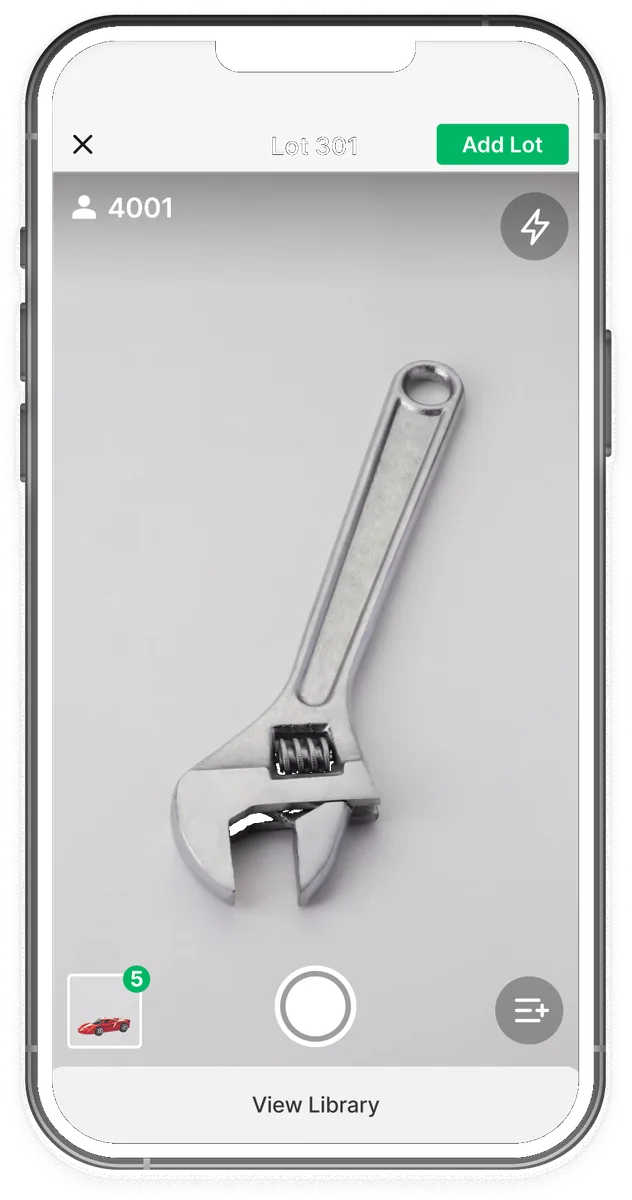
Shoot on-site at full speed, then pick up the same images on desktop whenever you’re back online.
Rapid capture mode
Burst through a table of lots with no pauses between snaps.
Cloud sync
Capture photos and keep cataloging while offline. Sync to the cloud when you’re ready.
Collaboration
Access photos across devices – upload from one location and edit from another.
Remove backgrounds on upload automatically, or apply the effect manually with one click.


Hand off platform-ready files without renaming batches or wrestling with export specs.
Auto file naming
Files named by lot number and image order – no typos, no mismatches.
Auto resizing
Images automatically scale to the specs of your selected listing platform.
Platform-ready handoff
Images and data arrive formatted for your listing platform – upload your whole catalog in one go.
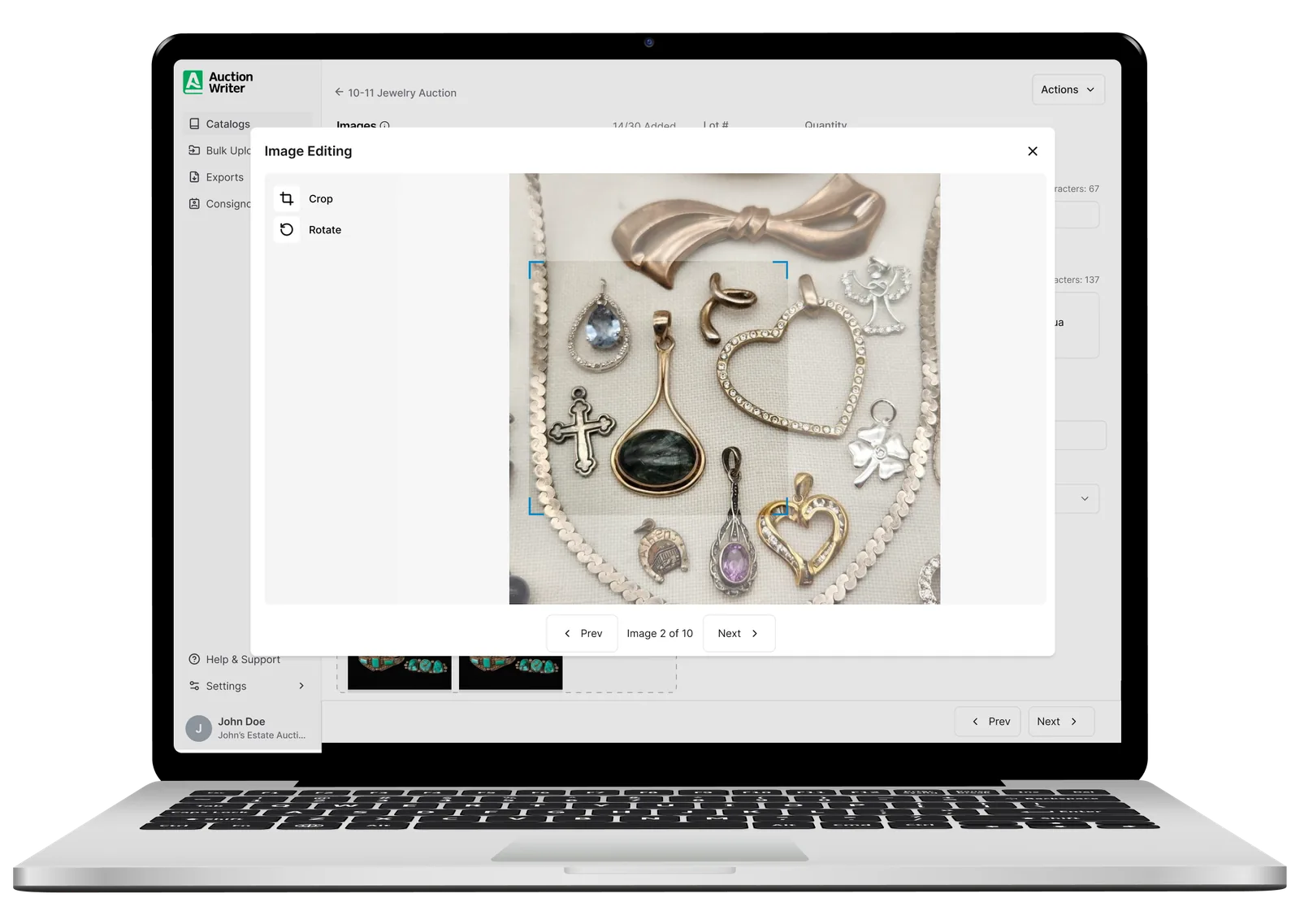
Fine-tune every lot gallery without jumping between tools.
Add up to 30 images per lot without slowing down your workflow.
Drag-and-drop so your best images are the ones bidders see first.
Add, remove, crop, and rotate without leaving the app.