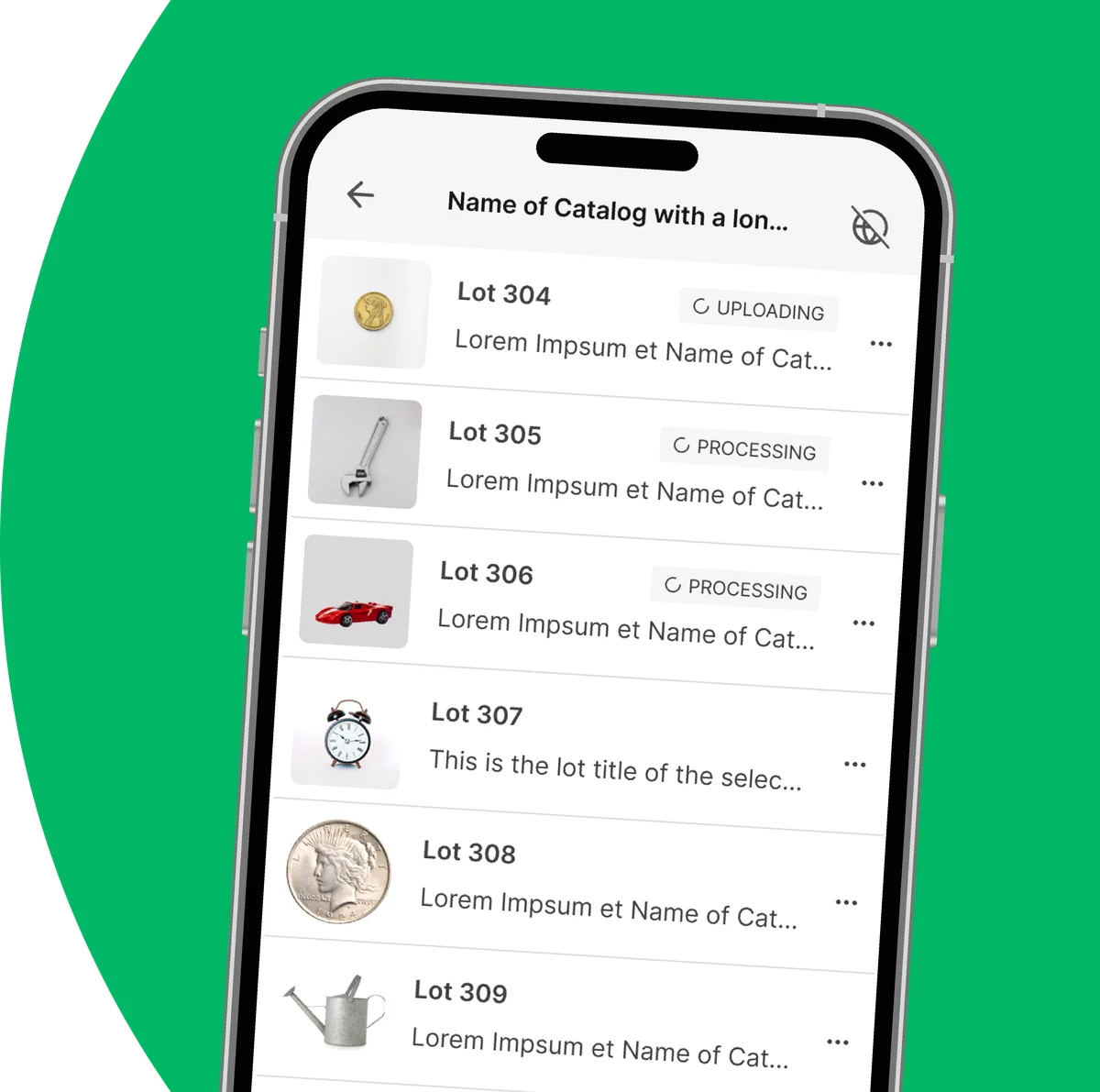
The AI writes it, not the database
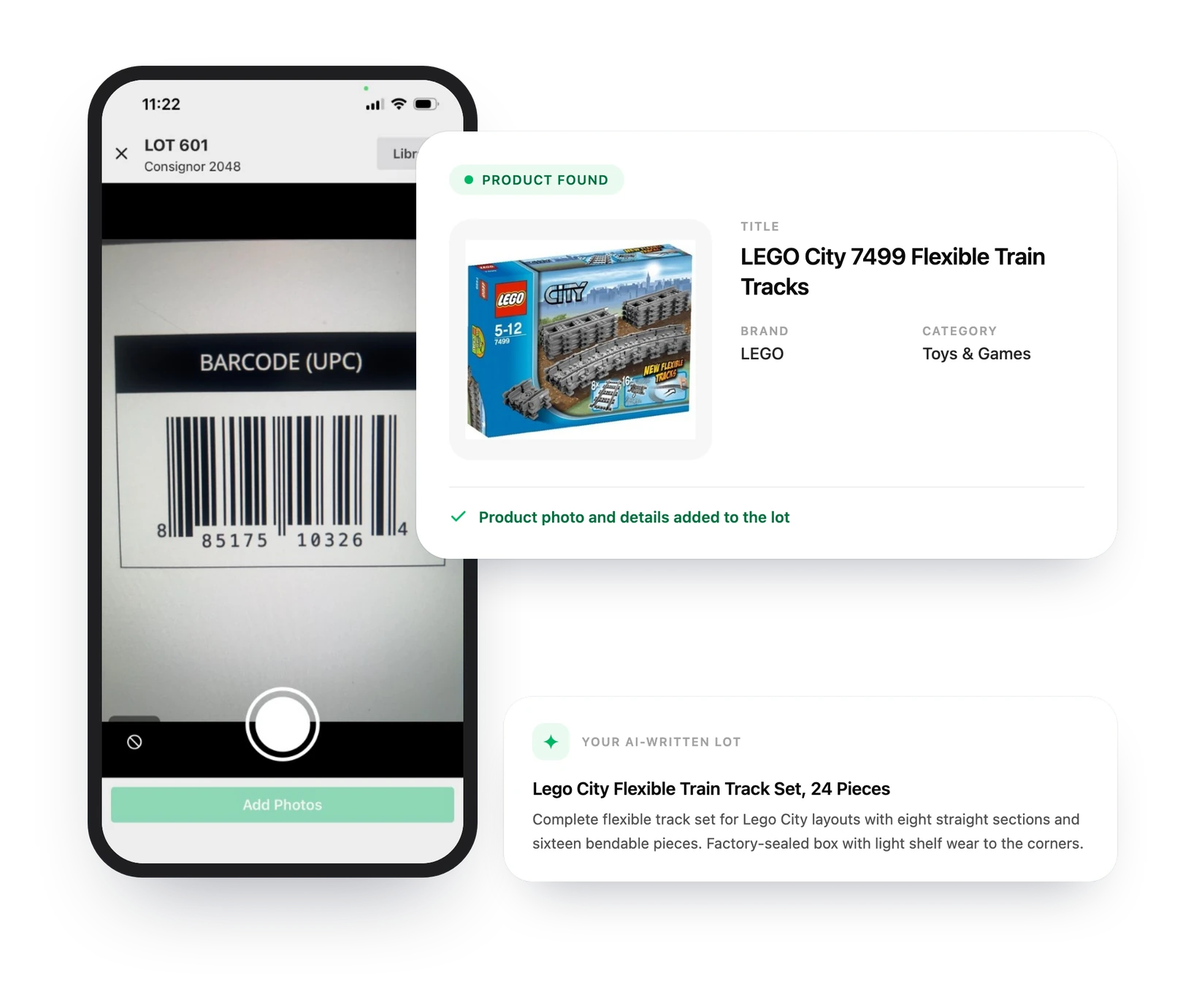
Every scan produces an original title and description written in your format – so no two auction houses ever publish the same paragraph.

Barcode Scanning
Point your phone at any UPC, EAN, or ISBN and AuctionWriter pulls in product photos and specifications from a catalog of more than a billion products – then writes an original title and description for the lot.
Included with every paid plan – iOS and Android
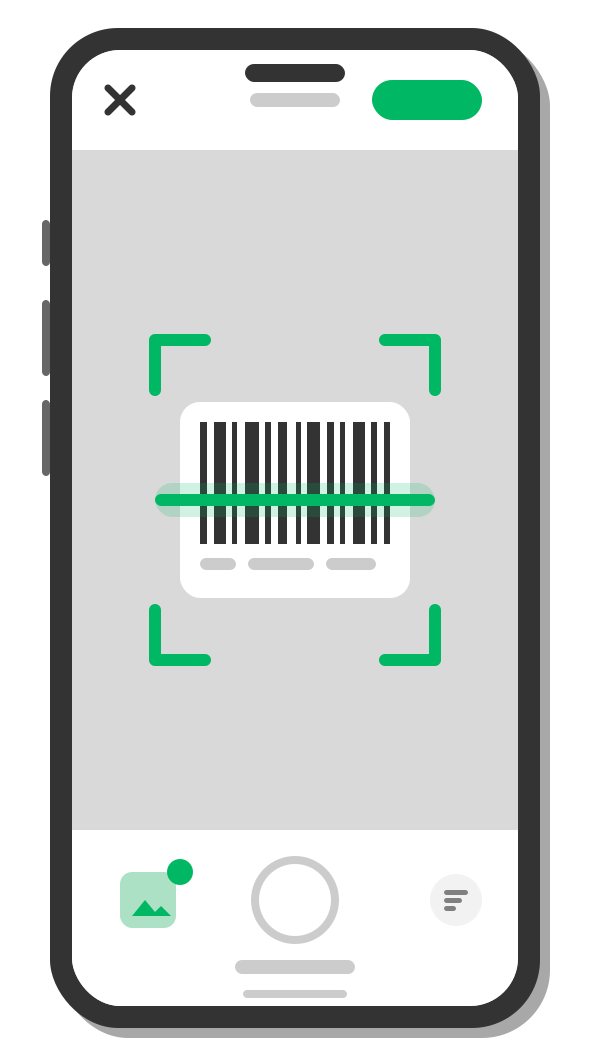
Some lots need an expert eye. Others just need a scanner. When the item already carries a barcode, there is no reason to type a word of it.
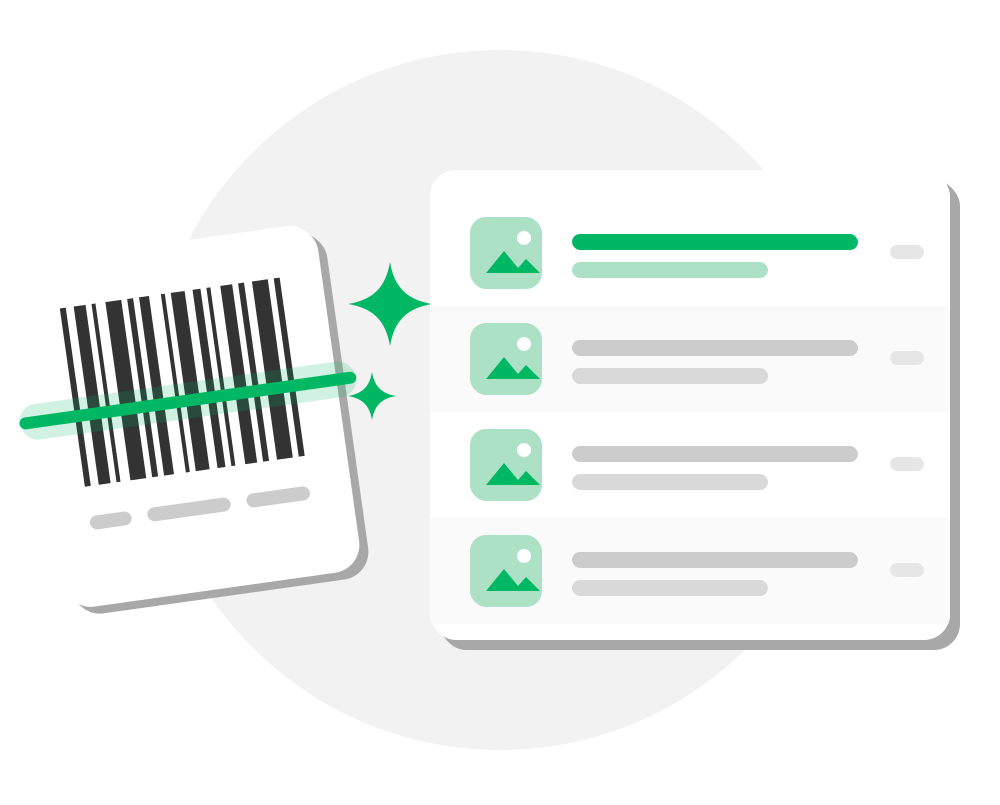
When you are moving a pallet of retail goods, cataloging every box by hand is the slowest part of the sale – and it is the part a barcode can do for you.
Pallets of returned retail goods that arrive boxed, labeled, and ready to scan.
Truckloads of store inventory where every SKU is already in the catalog.
Power tools, small appliances, and consumer electronics with the specs printed on the carton.
ISBN scanning pulls the title, author, and cover art for books, DVDs, and games.
Sealed figures, sets, and boxed collectibles that sell on the exact product name.
Bulk lots of consumables where nobody wants to type out thirty product names.
A scan brings back what the manufacturer actually published about the item, so your lot starts from facts instead of a photograph of a closed box.
We have been blunt about the problem with traditional UPC scanners: they dump generic manufacturer text and stock photos into your catalog, which frustrates bidders and buries your listings under duplicate content. So we built ours the other way around.
Every scan produces an original title and description written in your format – so no two auction houses ever publish the same paragraph.
Product images give bidders a clean reference shot. Your own condition photos sit right alongside them, and you decide how many stock photos each scan adds – or turn them off entirely.
Custom instructions, description formats, title length, categories, custom fields, language, and currency all carry over exactly as they would on a lot you photographed yourself.
A scan can say what the product is. Only you can describe the one in front of you. Add a note in Details for AI and the finished lot reflects what you saw.
Our product catalog is compiled from manufacturer registries and retail catalogs worldwide – more than a billion items, growing every day. That includes the goods you actually see on a returns pallet.
Product data is compiled from manufacturer and retailer catalogs worldwide. Retailer names are the trademarks of their respective owners and do not imply affiliation or endorsement. Coverage varies by product and region.
Owners decide how scanning fits the way their house catalogs – then every device on the team follows the same rules.
Owners can switch barcode scanning off for the whole team under Settings → Fields if you would rather every lot be photographed by hand.
Choose how many product images each scan adds to a lot, from one up to ten, so your own photos keep the lead position.
If a barcode is not in the catalog, nothing is charged. Photograph the item and let AI catalog it the usual way.
UPC, EAN, and ISBN barcodes – the codes printed on virtually all retail packaging, plus the ISBNs on books, DVDs, and games. Point the AuctionWriter camera at the code and the app reads it.
No. Your phone or tablet camera is the scanner, so there is no hardware to buy, pair, or charge. If you already catalog on mobile, you already have everything you need.
More than one billion, compiled from manufacturer registries and retail catalogs around the world and updated continuously.
No. Every lot gets an original title and description written in your chosen format with your custom instructions applied – nothing from the manufacturer is copied into your listing. Pair it with your own photos of the actual item and every lot stays unique to your sale.
You will get a quick notice and nothing is charged against your generations. Snap photos of the item and catalog it the way you normally would.
Looking up a product requires an internet connection. Everything else in the mobile app – photographing lots, editing, and queuing your work – runs offline and syncs as soon as you are back in range.
Yes. Barcode scanning is included with every paid plan, and each successful scan uses one lot generation from your monthly allowance – the title and description it writes are not charged again.
Have more questions? Contact Us
Included with every plan – no extra cost
Capture lots on-site with mobile tools that work even without Wi-Fi, and sync to the cloud when you're ready.